Forex VPS India 2026 — Best MT4/MT5 Trading VPS for Indian Traders
If your Expert Advisor missed a trade entry at 9:15 AM because your home internet hiccupped for three seconds, you already know why Forex traders use a VPS.
If your trading bot ran flawlessly all week and then stopped at 2 AM because Windows Update restarted your PC, you already know.
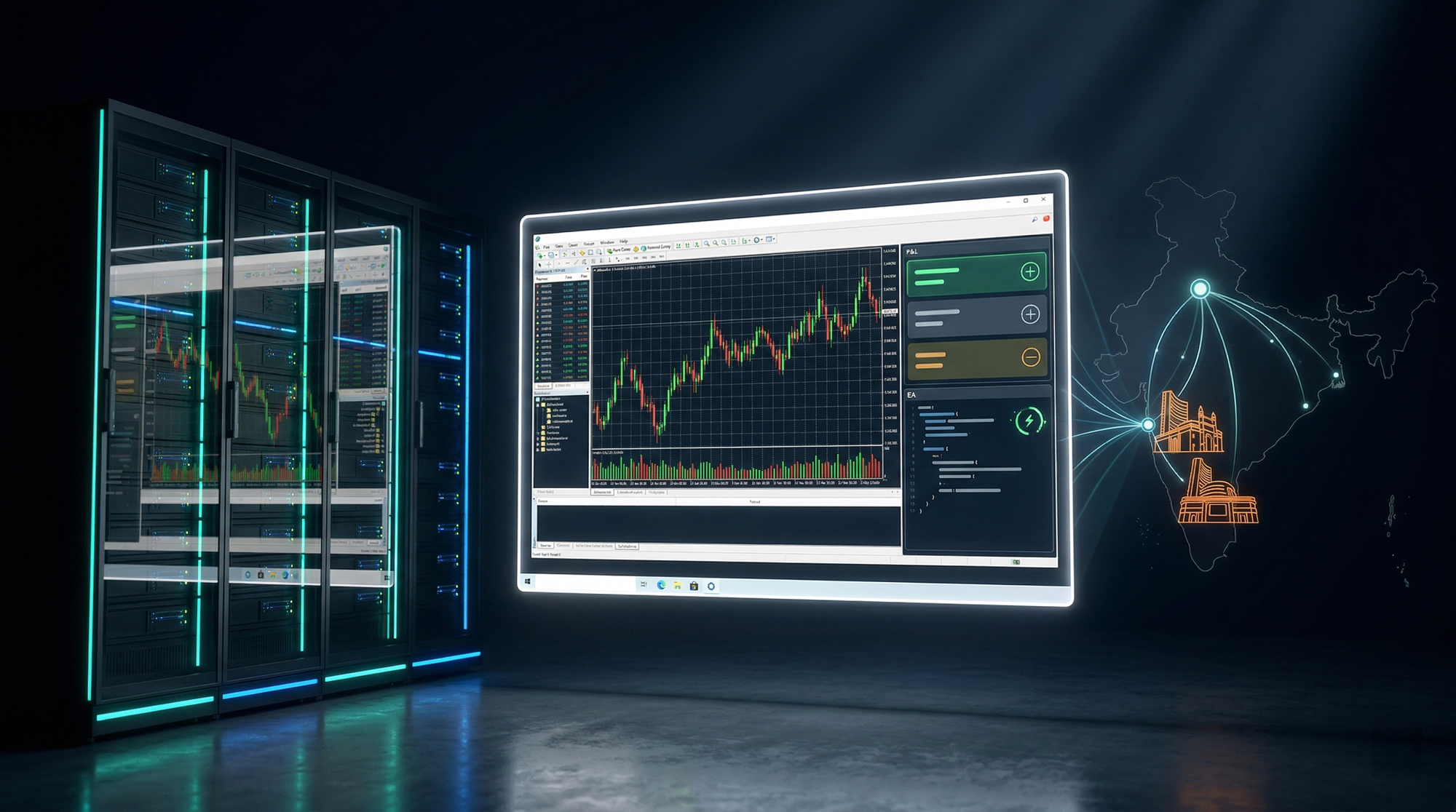
A Forex VPS solves both problems: a dedicated Windows Server running 24 hours a day in a datacenter, connected to your broker with the lowest possible latency, never turning off, never rebooting at the wrong time. For Indian traders using MT4/MT5, the additional requirement is that the VPS must be physically located in India — ideally within 10 milliseconds of the broker's order matching engine.
This guide covers every serious Forex VPS option available to Indian traders in 2026, what the specs actually mean for trade execution, and which provider delivers the best combination of latency, uptime, and price.
Why Forex Traders Need a VPS — The Real Reasons
1. Your Home Internet is Not Reliable Enough for Automated Trading
MT4/MT5 Expert Advisors execute trades based on real-time price data. If your internet drops — even for 30 seconds during a volatile market move — your EA can miss entries, fail to close positions, or execute at a significantly worse price. In markets like BANKNIFTY options or USDINR futures, a 30-second gap in execution can mean the difference between a clean trade and a runaway loss.
A VPS runs in a datacenter with redundant internet connections. The datacenter-to-broker link never drops the way a residential Jio Fiber or Airtel broadband connection does during rain, peak hours, or when your router restarts.
2. Latency to Your Broker's Server Matters
Every trade placed through MT4/MT5 travels from your platform to your broker's order matching engine. The shorter that journey, the faster your order is executed and the closer the execution price is to the price you saw.
This is called slippage — the difference between the price you ordered at and the price you actually got. For scalpers, HFT strategies, and any EA with tight stop-losses, slippage kills profitability over thousands of trades.
Here is what latency looks like from real locations to major Indian brokers:
| Connection | Latency to Zerodha/Upstox ORB Engine |
|---|---|
| Home in Mumbai (Jio/Airtel broadband) | 25–80ms (varies with congestion) |
| Home in Delhi/NCR | 30–100ms |
| VPS in Singapore | 80–140ms |
| VPS in Mumbai datacenter (Advika, AS135682) | 3–10ms |
| VPS in Noida/Delhi datacenter (Advika, AS135682) | 5–12ms |
The difference between 80ms and 8ms sounds small. Over 500 trades per month, it adds up to meaningful slippage reduction — particularly for strategies that chase momentum or trade breakouts in the first few minutes of market open.
3. MT4/MT5 Is a Windows-Only Application
MetaTrader 4 and MetaTrader 5 are 32-bit Windows applications. There is no native Linux or Mac build. To run an EA continuously without keeping a Windows PC on 24/7 — consuming electricity, generating heat, and subject to power cuts — you need a Windows VPS.
Linux VPS plans are cheaper, but they cannot natively run MT4/MT5. Any provider selling you "Forex VPS" on Linux is either giving you a Wine wrapper (unstable for EAs) or has misrepresented the product.
4. Power Cuts in India Are a Real Problem
India's power infrastructure, particularly outside major metros, has regular outages. Even in Delhi and Mumbai, sustained power cuts of 30 minutes to several hours are not uncommon during summer months. A home trading setup with a UPS can sustain perhaps 30–60 minutes of battery backup. A datacenter runs on diesel generators with hours of autonomous capacity and an uninterrupted power supply system designed for continuous operation.
If your EA has an open position and your PC shuts down, the position remains on the broker side — but with no management from the EA. No trailing stop movement, no emergency close, no hedge. A VPS eliminates this risk entirely.
What to Look for in a Forex VPS in India
Before comparing providers, understand the five specifications that actually matter for Forex trading performance:
1. Latency to Indian Brokers The only number that matters is the round-trip time (RTT) from the VPS to your specific broker's server. Ask the provider for ping results to Zerodha's co-location in BKC Mumbai, or Upstox's server infrastructure. Sub-10ms is excellent. 10–25ms is acceptable. Over 30ms starts introducing meaningful slippage.
2. Genuine Windows Server License MT4/MT5 runs on Windows. The license must be a genuine Microsoft Windows Server 2019 or 2022 license — not a 180-day evaluation build, not a KMS cracked activation. Evaluation builds force reboots and display activation warnings. Non-genuine activations receive no security patches and violate Microsoft terms of service.
3. Uptime SLA — Financially Backed Any provider can claim 99.9% uptime. Ask whether the SLA is financially backed — i.e., do you get credit or a refund if the server goes down outside the guaranteed window? A 99.9% uptime SLA means no more than 8.7 hours of downtime per year. 99.99% means 52 minutes per year.
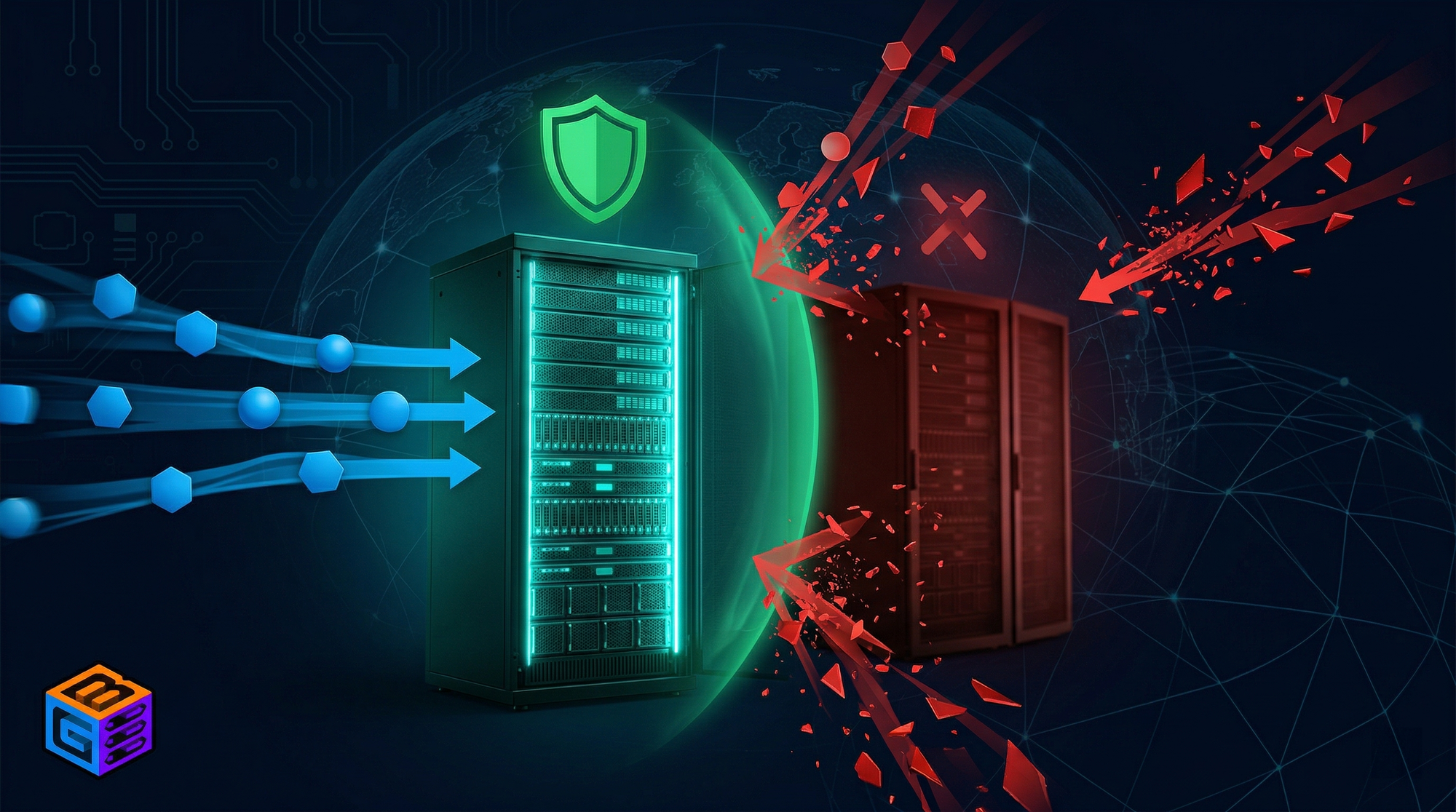
4. DDoS Protection — Server Stays Online This is routinely misrepresented by providers. There is a critical difference between DDoS mitigation (traffic is filtered, server stays online) and blackholing / null-routing (the attacked IP is dropped from the internet, your server goes offline for everyone). For a Forex VPS, blackholing means your EA stops executing trades during any attack — exactly when you need stability most.
5. Unmetered Bandwidth MT4/MT5 data usage is low — typically 100–400 MB per month per terminal for standard Forex pairs. However, if you run multiple terminals, copy trading services, or data-intensive strategies, bandwidth caps add unpredictable cost. Unmetered bandwidth eliminates this variable.
Best Forex VPS India 2026 — Full Provider Comparison
| Provider | India DC | Latency to NSE/BSE | Windows License | DDoS Protection | Bandwidth | Starting Price |
|---|---|---|---|---|---|---|
| Inservers (GBNodes) | Noida, New Delhi | Sub-10ms | Genuine included | GBSHIELD — stays online | Unmetered | ₹880/month |
| OVHcloud | Mumbai (limited stock) | 8–20ms | Available | VAC — stays online | 1 TB then throttled | ~₹900/month |
| Contabo | Navi Mumbai | 15–30ms | Available | None | 32 TB (fair use) | ~€5.99/month (~₹545) |
| Hostinger | India DC | 15–40ms | Available | Blackholes — goes offline | 100 GB–unlimited | ~₹649/month |
| Vultr | Mumbai | 20–40ms | Extra cost | Blackholes — goes offline | 1–2 TB | ~$6/month (~₹510) |
| MilesWeb | Mumbai (Webwerks) | 20–50ms | Available | Blackholes — goes offline | Limited | ~₹700/month |
| DigitalOcean | Bangalore | Linux-only | Not available | Blackholes — goes offline | 1 TB | $12+/month |
Provider-by-Provider Analysis
Inservers Windows RDP India — Sub-10ms, Genuine License, GBSHIELD
Inservers Host Pvt. Ltd. — the company that also operates GBNodes — runs a dedicated Windows VPS and Forex VPS product targeting Indian traders. The infrastructure runs on Advika Datacenter (AS135682) in Noida/New Delhi, with direct upstream connections to Tata Communications (AS4755), Bharti Airtel (AS9498), Reliance Jio (AS55836), and StormWall (AS59796) for DDoS mitigation.
What this means for a Forex trader:
- Latency: The Advika network ranks #29 for unique domains in India and has direct Tier 1 ISP connections to Tata, Airtel, and Jio — the same carriers that Zerodha, Upstox, Angel One, and Fyers use for their own infrastructure. RTT from the Noida datacenter to most Indian broker order engines is 3–10ms.
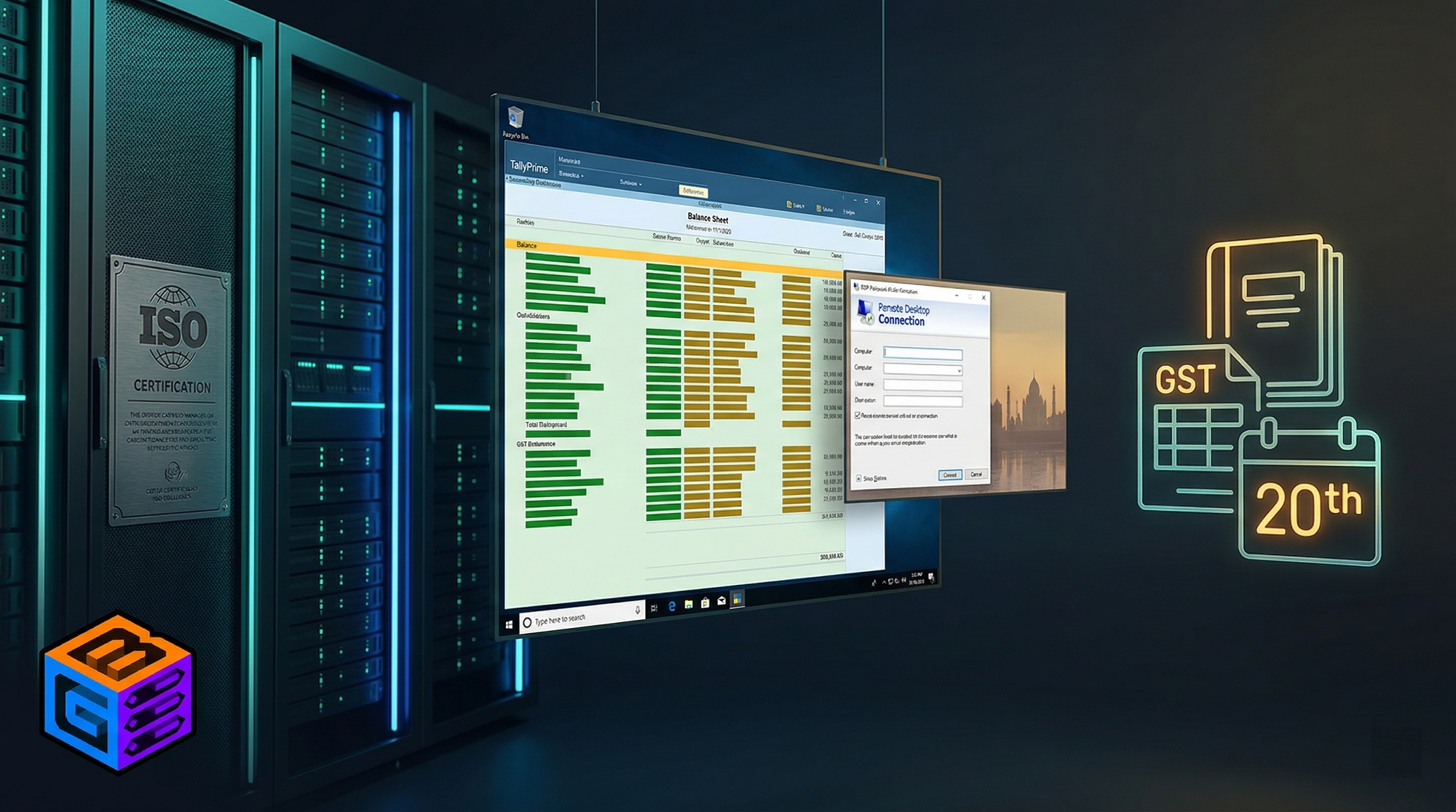
- Windows License: Genuine Windows Server 2019/2022 is included in the plan price. No evaluation watermark, no 180-day expiry, no separate activation cost.
- DDoS: GBSHIELD combines Advika's by-default ASN-level DDoS protection with StormWall's mitigation upstream. Traffic is scrubbed and the server stays online. This is not blackholing — which means during any attack, your EA continues executing trades without interruption.
- Hardware: AMD EPYC 7C13 @ 3.7GHz with 256MB L3 cache and enterprise NVMe SSD at up to 6 GB/s read throughput. Consistent performance with no CPU credit throttling.
- Uptime: 99.9% SLA. The datacenter is ISO 27001 certified (Advika, New Delhi).
- Bandwidth: Unmetered on all plans.
- Deployment: 15-minute provisioning.
| Plan | vCPU | RAM | NVMe | Price |
|---|---|---|---|---|
| IN-BASIC | 2 vCPU | 4 GB DDR4 | 40 GB | ₹880/month |
| IN-PRO | 4 vCPU | 8 GB DDR4 | 80 GB | ₹1,800/month |
| IN-LITE | 6 vCPU | 16 GB DDR4 | 160 GB | ₹3,600/month |
For a single MT4/MT5 terminal with 1–5 EAs: the IN-BASIC at ₹880/month is sufficient. For multiple terminals or heavy strategy monitoring: IN-PRO at ₹1,800/month.
Verdict: Best overall for Indian Forex traders — lowest latency to Indian brokers, genuine Windows license, stays online under attack, unmetered bandwidth, INR billing.
OVHcloud — Real DDoS Protection, but Watch the Bandwidth Cap
OVHcloud's Mumbai VPS range (Starter to Comfort tiers) includes their VAC (Vacuum) anti-DDoS system, which is genuine mitigation — the server stays online during attacks. This puts OVHcloud alongside Inservers as one of the very few providers where DDoS protection actually works.
However, OVHcloud has a structural problem for Indian Forex traders:
- Bandwidth cap: All VPS plans include 1 TB of outbound bandwidth, after which the port is throttled to 10 Mbps. For a Forex VPS this cap is rarely hit, but it adds a variable to monitor.
- Mumbai inventory: OVHcloud's Mumbai VPS range frequently goes out of stock. If you need to provision quickly, this is a risk.
- No plan upgrades: OVHcloud VPS plans cannot be upgraded after ordering — you must cancel and reprovision on a new plan, losing your IP address.
- Billing in EUR: Not INR — currency risk applies for Indian customers.
- Windows license: Available but must be selected at order — adds to monthly cost.
Verdict: Second choice if Inservers stock is not available, but the bandwidth cap, EUR billing, and upgrade limitations reduce its appeal.
Contabo — Cheap, Mumbai DC, But Zero DDoS Protection
Contabo launched a Navi Mumbai datacenter in mid-2024, which brought their latency to Indian brokers down to a competitive 15–30ms range. Their pricing is aggressively low — starting under €6/month.
The problem: Contabo has no DDoS protection on any plan.
In a Forex VPS context, this matters more than it sounds. Automated trading platforms that go public — shared EAs, copy trading signals, visible VPS IPs — can attract targeted attacks. With no mitigation, even a small attack takes the server offline. Open positions continue on the broker side; your EA stops managing them.
Additionally, Contabo bills in EUR with PayPal or card — no UPI, no NetBanking, and no INR pricing. For Indian customers, this adds 1–3% forex conversion markup per transaction.
Verdict: Acceptable for budget-conscious traders who run private strategies (no public signal sharing) and can accept the DDoS risk. Not suitable for any EA that is publicly visible or any trader who cannot afford downtime.
Hostinger — Port-Limited and Goes Offline Under Attack
Hostinger markets aggressively in India and has a VPS lineup with Indian datacenter options. Two facts to know before choosing them for Forex trading:
Bandwidth port limit: Hostinger VPS plans are limited to 400 Mbps per VPS. This is not a monthly data cap — it is a hard throughput ceiling. For a Forex VPS this rarely matters in normal operation, but it is a significant undisclosed limitation compared to providers offering 1 Gbps or higher ports.
DDoS handling: Hostinger uses IP blackholing — when an attack is detected, the attacked IP is null-routed. The server becomes inaccessible to everyone, including the legitimate user. Your EA stops executing trades for the duration of the blackhole, which can last from 30 minutes to several hours depending on the attack profile.
Verdict: Acceptable for basic remote work needs, but the port limit and blackholing make it unsuitable as a primary Forex trading VPS.
Vultr — Windows License is an Extra Cost, Blackholes Under Attack
Vultr's Mumbai region (Bangalore datacenter) offers competitive pricing, but two things catch out Indian Forex traders:
Windows licensing is not included in Vultr's base plan price. You must add a Windows license separately, which typically adds $8–16/month to the base cost. At that point, the total cost of ownership is less competitive than providers who include the license.
DDoS handling: Vultr uses IP blackholing. When under attack, the server IP is dropped from the internet. Vultr's marketing material references a "10 Gbps mitigation" layer, but this refers to internal volumetric filtering — the actual user-visible outcome for large attacks is still blackholing.
Verdict: Viable for non-trading workloads, but the separate Windows license cost and blackholing make it a poor choice for Forex VPS.
MilesWeb — Webwerks Infrastructure, Blackholing
MilesWeb hosts its VPS infrastructure on Webwerks datacenter in Mumbai (AS133296 / AS33480). Webwerks is a carrier-neutral datacenter with 160+ ISP peering relationships, which gives reasonable latency. However, MilesWeb has no ASN-level DDoS mitigation — they rely on Webwerks' upstream, which uses blackholing when attacked.
For a Forex VPS customer, the infrastructure dependency also means support is one layer removed from the actual hardware — MilesWeb as a reseller has limited ability to escalate datacenter-level issues.
Verdict: Suitable for basic VPS workloads. Not recommended as a primary Forex trading VPS given the blackholing and reseller-layer support.
DigitalOcean — Not Applicable for MT4/MT5
DigitalOcean Droplets run Linux only. There is no Windows Server image available on DigitalOcean's standard product lineup. MT4/MT5 cannot run natively on Linux Droplets. DigitalOcean is included here only to prevent confusion — if you see it recommended for Forex VPS in older content, the information is incorrect.
Verdict: Not applicable for MT4/MT5 Forex VPS. Linux-only.
Why Latency to Indian Brokers is Inservers' Biggest Advantage
The Advika Datacenter (AS135682) in Noida/New Delhi has direct upstream peering with:
- Tata Communications AS4755 — the primary backbone for Zerodha and several major Indian brokers
- Bharti Airtel AS9498 — Tier 1 backbone with extensive Indian exchange co-location connectivity
- Reliance Jio AS55836 — Tier 1 backbone
When your MT4 EA places an order from an Inservers VPS, the packet travels via Tata, Airtel, or Jio's backbone directly to the broker's matching engine — without crossing international links or multiple hops through third-party transit providers.
The result: 3–10ms round-trip time to Zerodha Kite Connect API, Upstox API, Angel One SmartAPI, and Fyers API order endpoints.
Compare this to:
- A VPS in Singapore routing through TATA International or Telia to reach Indian broker infrastructure: 80–140ms
- A VPS on a local provider using Tier 2/3 transit with multiple hops through congested Indian internet exchange points: 30–80ms with variable jitter
Consistent low jitter is as important as raw latency for EA performance. A connection that averages 15ms but spikes to 80ms during market open is worse for execution quality than a stable 10ms connection. The Advika network's direct Tier 1 upstream structure eliminates most sources of jitter.
DDoS Protection — Why It Matters Specifically for Forex VPS
The trading VPS is a different threat environment from a standard business VPS. Reasons your Forex VPS is more likely to be targeted:
- Copy trade signal providers whose subscribers are losing money will occasionally be targeted by disgruntled users
- EAs with visible IPs (shared in Telegram groups, forums) attract attention from bad actors
- High-frequency scalpers who trade against market makers can attract retaliatory attacks (rare but documented)
- Generic bot attacks that spray residential IP ranges in Indian telecom blocks
When Hostinger, Vultr, MilesWeb, or DigitalOcean blackhole your IP under attack, your server is offline. That means:
- All open positions remain on the broker side with no EA management
- Trailing stops freeze at their last position
- Grid strategies stop calculating adjustments
- Emergency close orders cannot be placed
For a trader with 10 open positions and a directional move against them, an hour of EA downtime can mean a margin call.
GBSHIELD — Inservers' DDoS protection built on Advika's ASN-level infrastructure and StormWall's mitigation network — filters attack traffic before it reaches the server. The server IP remains accessible. Your EA continues trading.
How to Set Up MT4/MT5 on Inservers Windows VPS
Once your Inservers Windows RDP VPS is provisioned:
Step 1: Connect via RDP Open Remote Desktop Connection on your Windows PC (or Mac via Microsoft Remote Desktop app). Enter the IP address provided in your Inservers welcome email. Log in with the credentials provided.
Step 2: Install MT4 or MT5 Download the MT4/MT5 installer from your broker's website (Zerodha KITE Desktop, Upstox, Angel One, or the MetaQuotes website for generic installations). Run the installer inside the RDP session — it installs directly on the VPS, not your local PC.
Step 3: Log in to Your Broker Account Open the installed MT4/MT5. Enter your broker account credentials. The platform connects from the VPS — all trading activity now originates from the datacenter, not your home internet.
Step 4: Copy Your EAs EAs (.ex4 or .ex5 files) are stored locally on your PC. In the RDP session, open the MT4/MT5 data folder (File > Open Data Folder). Copy your EA files into the Experts folder. Restart the platform or right-click the Navigator panel to refresh.
Step 5: Attach and Enable Auto Trading Drag your EA onto a chart. Enable "Allow automated trading" in the EA settings. Enable the Auto Trading button in the MT4/MT5 toolbar. Your EA is now running from the VPS 24/7.
Step 6: Close the RDP Session (Not the Server) You can close the Remote Desktop window — the session continues running on the server. Your EA keeps trading. Reconnect anytime to check performance.
Common Questions About Forex VPS in India
Do I need a Forex VPS if I only trade manually?
For manual trading, a VPS is less critical — you are present at the keyboard, so your EA's continuity is less of a concern. However, a VPS still provides faster order placement than a home internet connection, and it protects against power cuts locking you out of open positions. If you trade BANKNIFTY options at open or close, even manual traders benefit from the sub-10ms connection to broker infrastructure.
How much RAM does an MT4/MT5 EA need?
A single MT4 or MT5 terminal running 3–5 EAs typically uses 200–500 MB of RAM. The Inservers IN-BASIC plan (4 GB RAM) comfortably supports 3–5 terminal instances simultaneously. If you run 10+ terminal instances or data-heavy strategies: the IN-PRO plan at ₹1,800/month (8 GB RAM) is the practical choice.
Can I run MT4 and MT5 at the same time on the same VPS?
Yes. MT4 and MT5 are separate applications that can run simultaneously on the same Windows Server instance. The practical limit is RAM — each terminal consumes approximately 100–250 MB RAM in normal operation.
What happens if the VPS reboots?
Inservers VPS instances do not reboot unattended. Reboot events only occur on OS updates (which are scheduled and announced) or physical hardware failures (covered by the uptime SLA). For EAs that do not auto-start MT4/MT5 on system reboot, configure the application to launch at startup using Windows Task Scheduler. This ensures EA trading resumes automatically if a reboot event does occur.
Will my EA work the same via RDP as it does on my local PC?
Yes — EAs run entirely within MT4/MT5, which runs entirely within Windows Server on the VPS. The execution environment is identical to a local Windows installation. The only difference: the VPS has a faster, more stable connection to your broker.
Is a Forex VPS legal in India?
Using a VPS for Forex trading is entirely legal in India. A VPS is simply a remote Windows computer. SEBI does not regulate the use of VPS services for trading. Automated trading via EAs is permitted through brokers that allow it — Zerodha KITE, Upstox, Angel One SmartAPI, and Fyers all provide API access for algorithmic trading.
Do I need a separate Windows license?
Not with Inservers. Genuine Windows Server 2019/2022 licensing is included in the plan price. Some providers (notably Vultr) charge separately for Windows licenses — confirm this before purchasing.
What is the minimum configuration for Forex VPS in India?
For a single MT4/MT5 terminal with 3–5 EAs: 2 vCPU, 2–4 GB RAM, 30+ GB SSD. The Inservers IN-BASIC plan at ₹880/month (2 vCPU, 4 GB RAM, 40 GB NVMe) meets and exceeds this requirement.
Inservers Forex VPS — Plans and Pricing
All plans include:
- Genuine Windows Server 2019/2022 license
- Full RDP access
- AMD EPYC 7C13 @ 3.7GHz
- Enterprise NVMe SSD (up to 6 GB/s read)
- Unmetered bandwidth
- GBSHIELD DDoS protection (server stays online, no blackholing)
- Sub-10ms latency to Zerodha, Upstox, Angel One, Fyers
- 99.9% uptime SLA
- ISO 27001 certified datacenter (Advika, New Delhi)
- INR billing — no forex markup
- 15-minute deployment
| Plan | vCPU | RAM | NVMe SSD | Best For | Price |
|---|---|---|---|---|---|
| IN-BASIC | 2 vCPU | 4 GB DDR4 | 40 GB | 1–2 terminals, 5 EAs | ₹880/month |
| IN-PRO | 4 vCPU | 8 GB DDR4 | 80 GB | 3–5 terminals, copy trading | ₹1,800/month |
| IN-LITE | 6 vCPU | 16 GB DDR4 | 160 GB | 5–10 terminals, signal provider | ₹3,600/month |
| IN-PLUS | 12 vCPU | 32 GB DDR4 | 320 GB | 10+ terminals, HFT strategies | ₹7,040/month |
20% off with code GB2026 — applies to first month.
Conclusion — Which Forex VPS Should Indian Traders Choose in 2026
The answer depends on what you actually trade:
For MT4/MT5 EAs, automated strategies, or copy trading — Inservers is the correct choice. Sub-10ms latency to Indian brokers, genuine Windows license, GBSHIELD protection that keeps the server online during attacks, unmetered bandwidth, and INR billing make it the only provider that addresses every requirement a Forex VPS needs to meet in the Indian market.
If Inservers capacity is unavailable — OVHcloud Mumbai is the secondary option, with real VAC DDoS protection, but watch the bandwidth cap and EUR billing.
For budget-conscious traders with no public signal exposure — Contabo's Navi Mumbai DC is usable, but the absence of any DDoS protection is a real risk to account for.
The providers that use blackholing — Hostinger, Vultr, MilesWeb, DigitalOcean — should not be considered for any Forex trading use case where EA continuity matters. The moment they come under attack, your server goes offline. In live trading, that means unmanaged open positions.
For Indian traders, the combination of Tier 1 ISP connectivity, sub-10ms broker latency, and genuine DDoS mitigation that Inservers provides through the Advika Datacenter infrastructure is genuinely difficult to match at ₹880/month.
GBNodes is operated by Inservers Host Pvt. Ltd. Inservers Host Pvt. Ltd. is in MOU and partnership with Advika Datacenter Pvt. Ltd. (AS135682), a 20-year-old, ISO 27001 certified datacenter company.